inSCADA Platform
Run on Your Servers.
The self-hosted SCADA/IIoT engine. Install on your own servers — Windows, Linux, panel PC, or your private cloud. Your data, your infrastructure, your control. Full runtime development, no compilation.
Don't want to install anything?
The same engine is available as a hosted SaaS: inSCADA Cloud \u2014 Plant Bridge and MCP included, always up-to-date.
Power of the Platform
A modern development experience that goes beyond the limits of traditional SCADA
Cross Platform
Windows, Linux, browser, mobile — one application runs on every platform. The same experience from desktop to field, office to cloud.
SVG Animations
The classic SCADA approach: bind live data to SVG objects and create animations. Draw in Figma, Illustrator or Inkscape, then upload to the platform.
Custom UI
Build your own interfaces with HTML, JavaScript and CSS. Integrate them with the platform via the inSCADA API. Unlimited design with modern web technologies.
Script Engine (GraalJS)
Modern JavaScript automation scripts — GraalJS engine (JDK 21). Run on a schedule, event trigger or manually. Calculation, reporting, integration.
Alarm Management
ISA-18.2 compliant alarm management. Alarm groups, prioritisation, acknowledgement workflows. SMS, Email, WhatsApp and Slack notifications.
Industrial Protocols
Modbus TCP/RTU, OPC UA/DA, Siemens S7, IEC 60870-5-104, IEC 61850, DNP3, MQTT, BACnet, KNX and more.
Live Camera
Integrate IP camera feeds directly into your SCADA screens via ANT Media Server integration. Live monitoring and recording.
Map & Weather
Visualise your sites on a layered map. Track environmental data in real time with weather integration.
Multi-User & Secure
IEC 62443 compliant security. Role-based access control, encrypted communication. Simultaneous multi-user support on the same project.
FDA Compliance
FDA 21 CFR Part 11 compliant. Electronic signatures, audit trail and data integrity requirements are fully met.
Platform Interface
Real screenshots from inSCADA
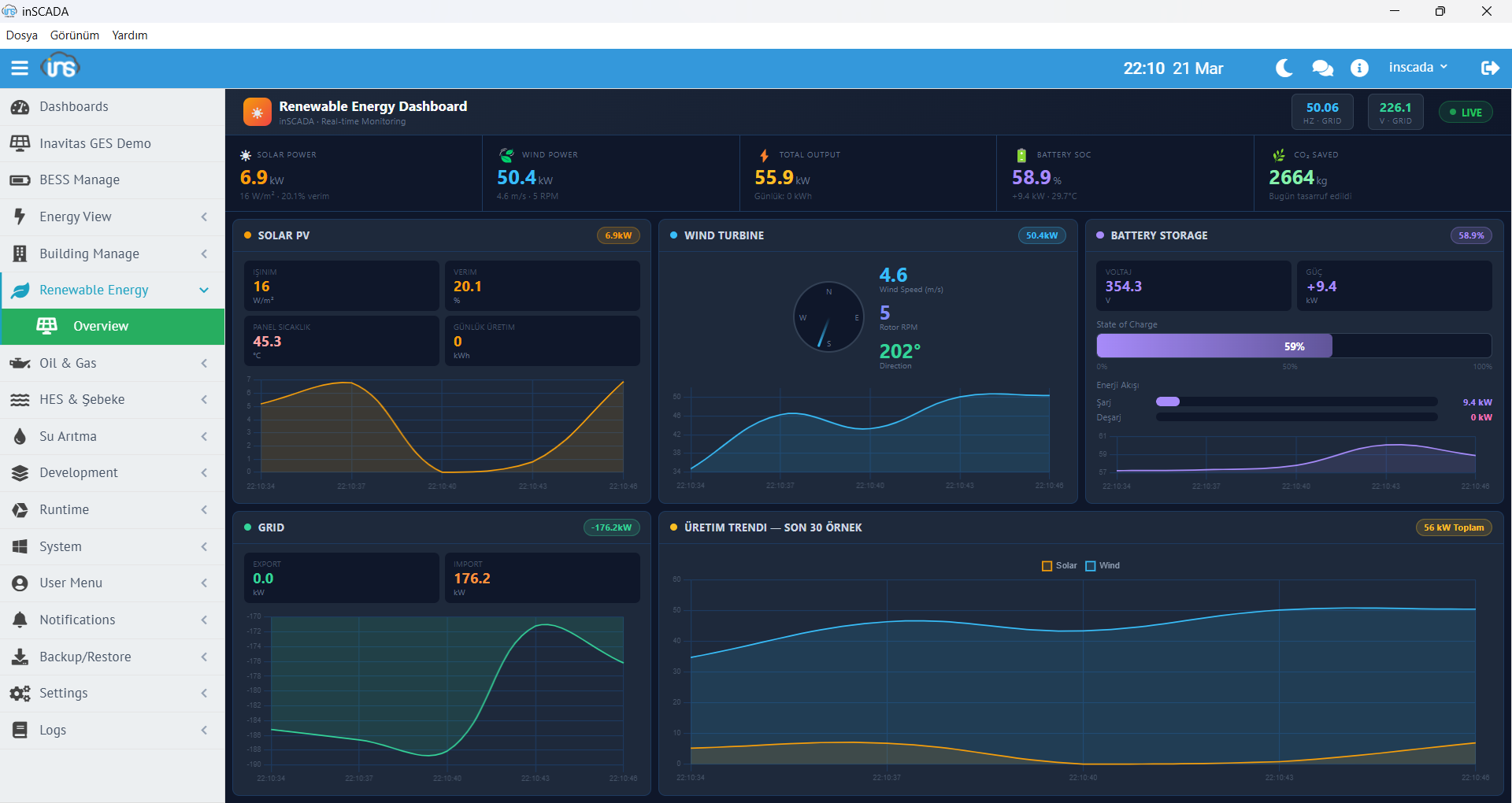
Renewable Energy Dashboard
Solar and wind energy live monitoring screen
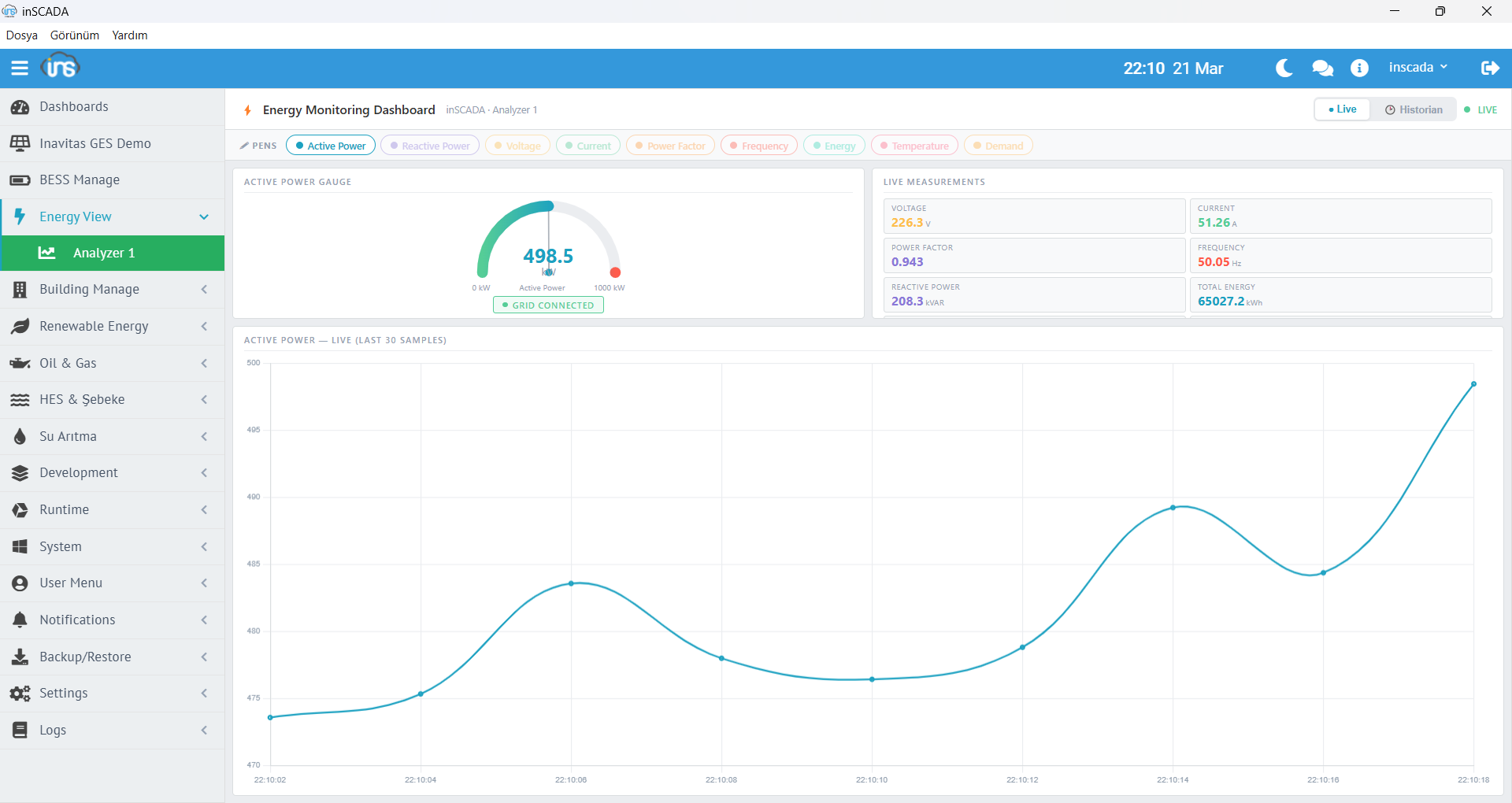
Energy Monitoring
Detailed energy consumption and production monitor
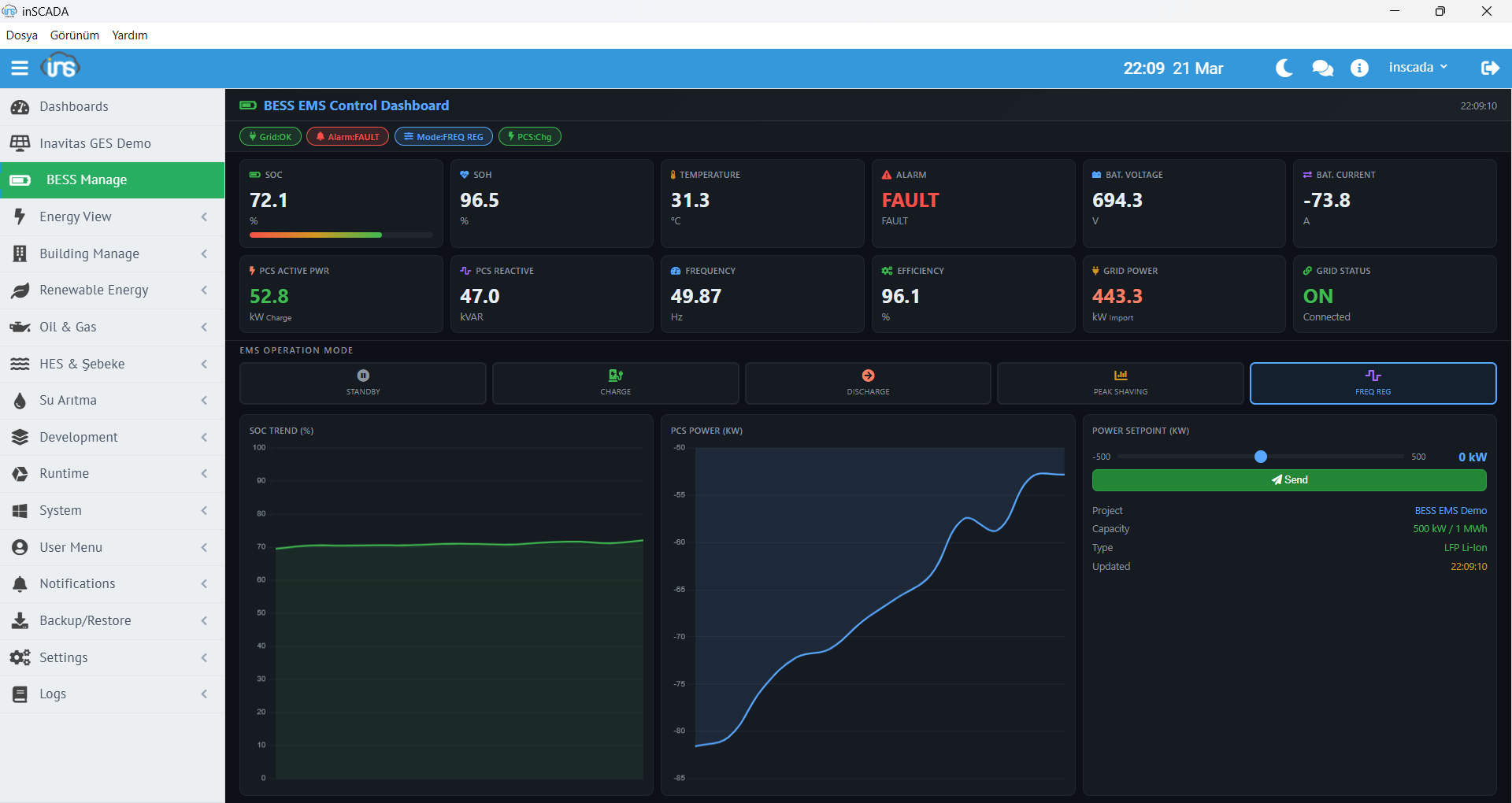
BESS / EMS Control Dashboard
Battery energy storage and management system
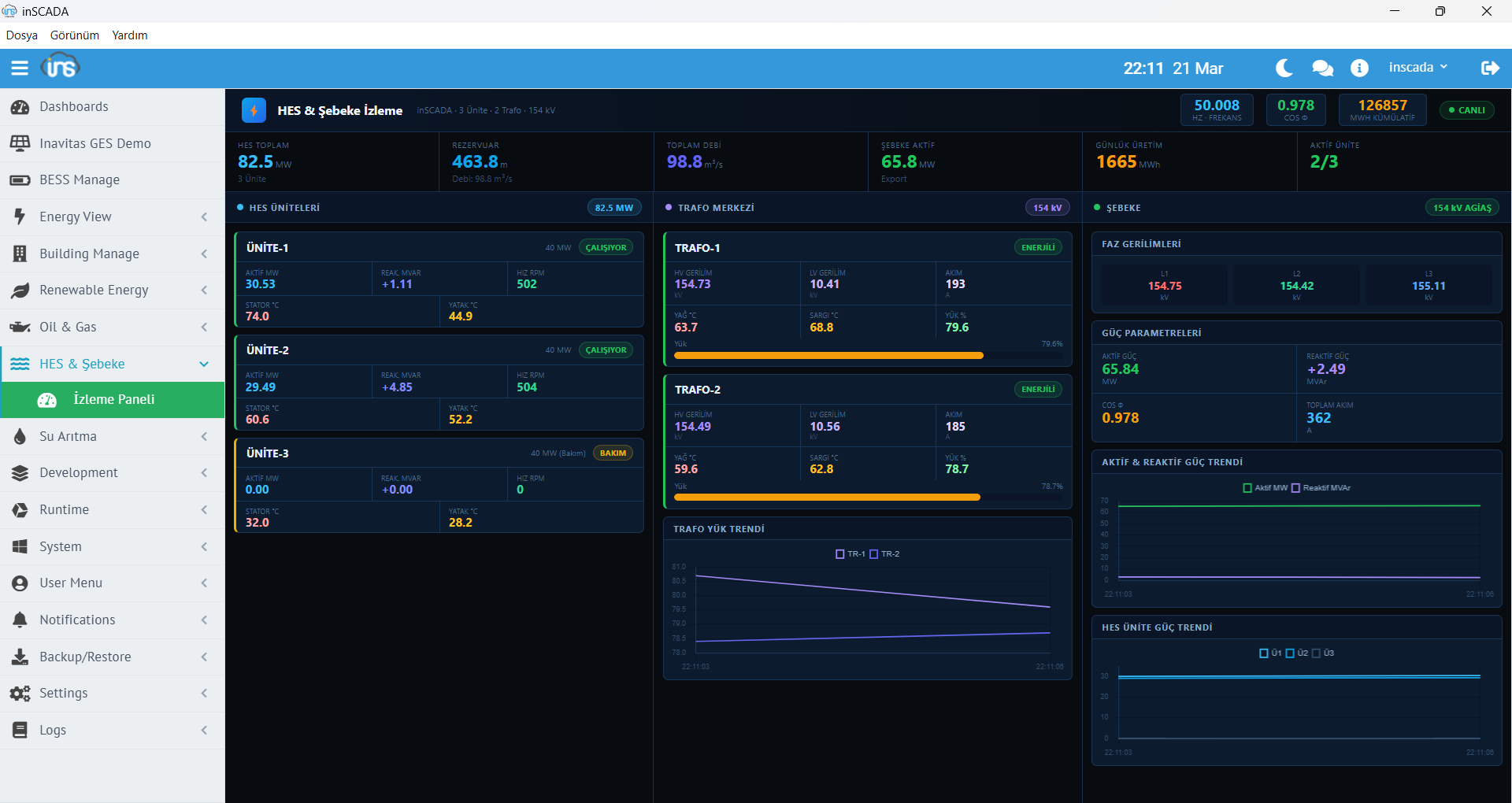
HPP Grid View
Hydroelectric power plant SCADA screen
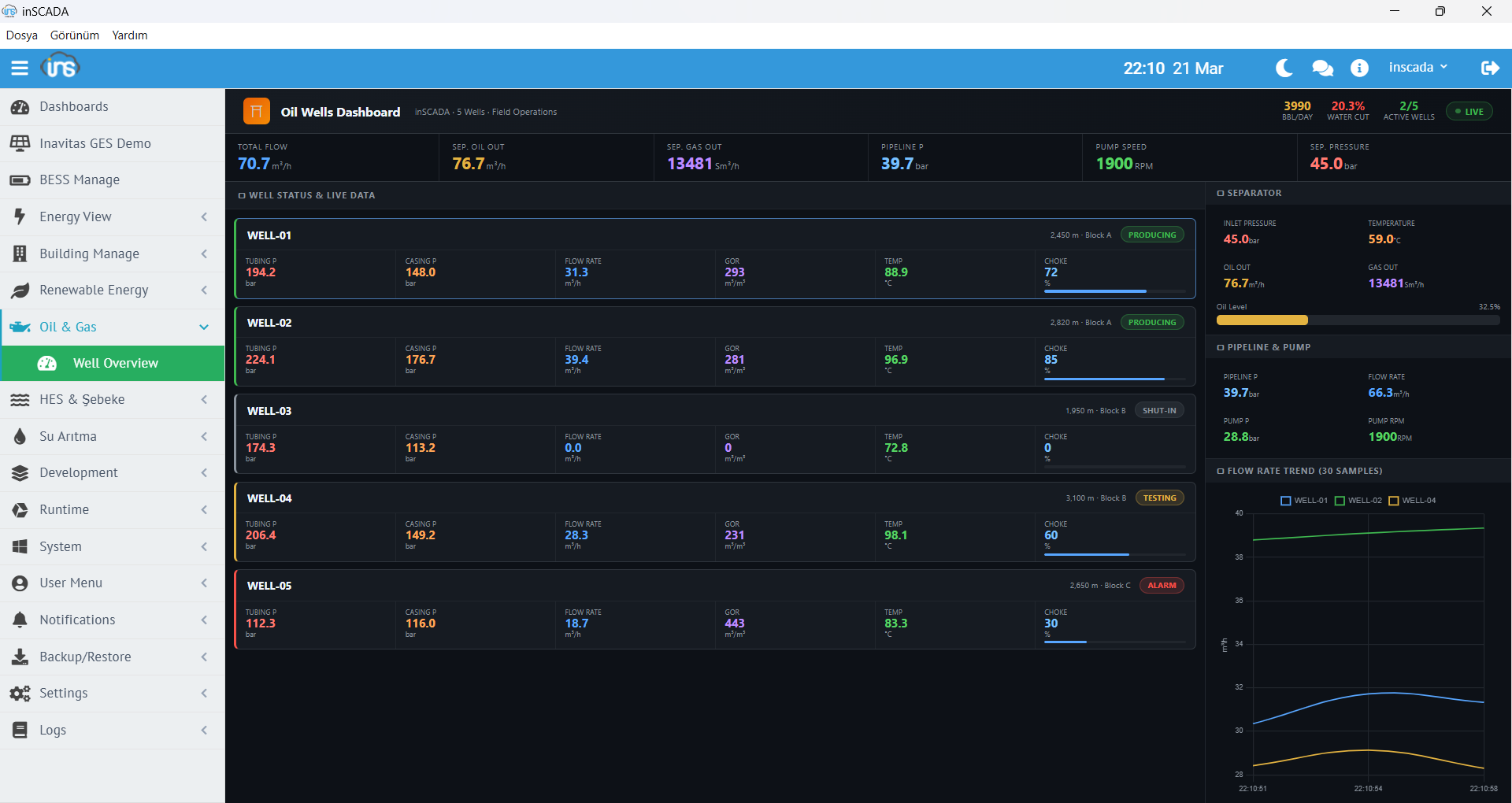
Oil Wells Dashboard
Well monitoring and production data
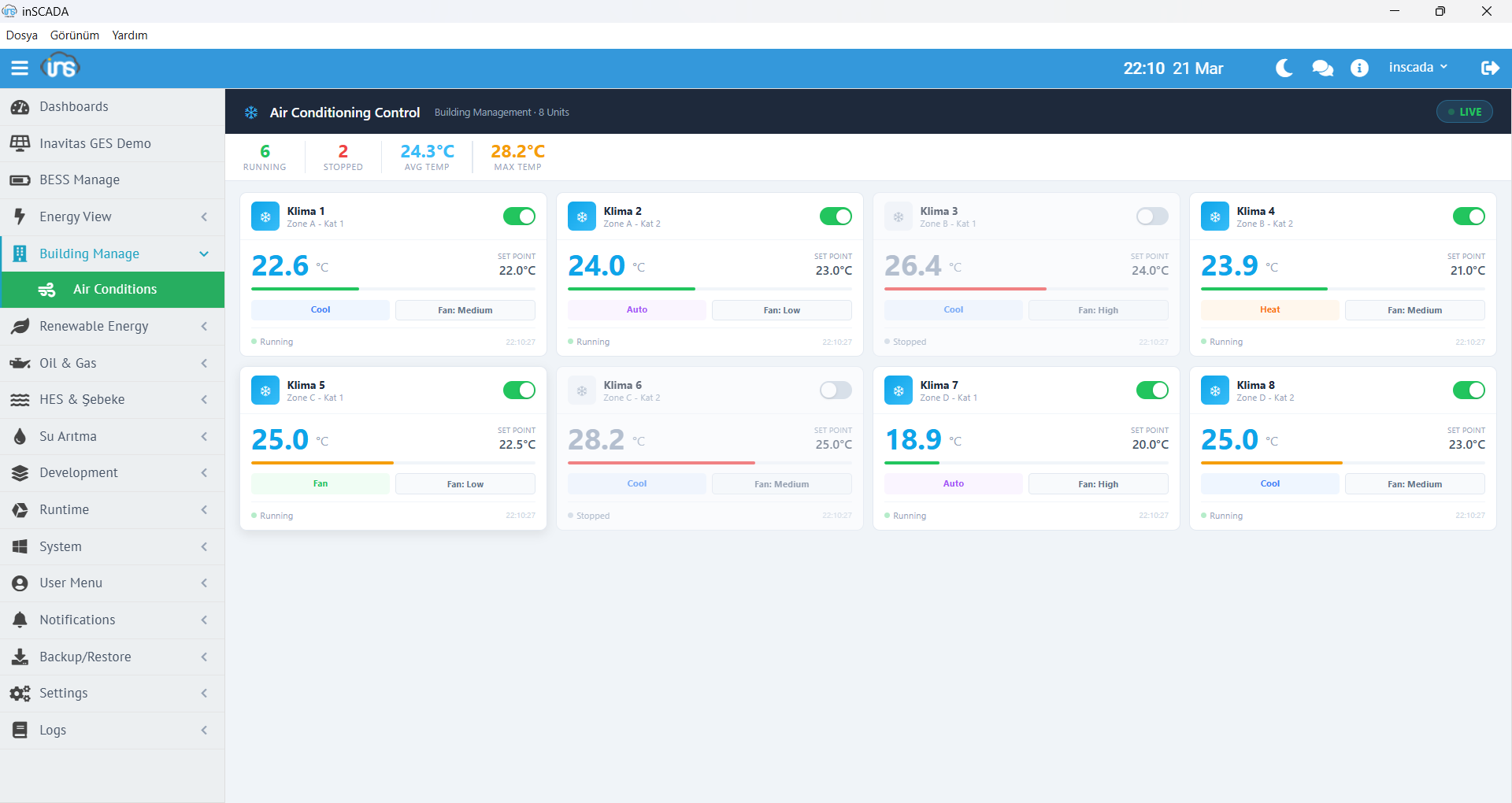
Building Automation — HVAC
HVAC monitoring and control screen
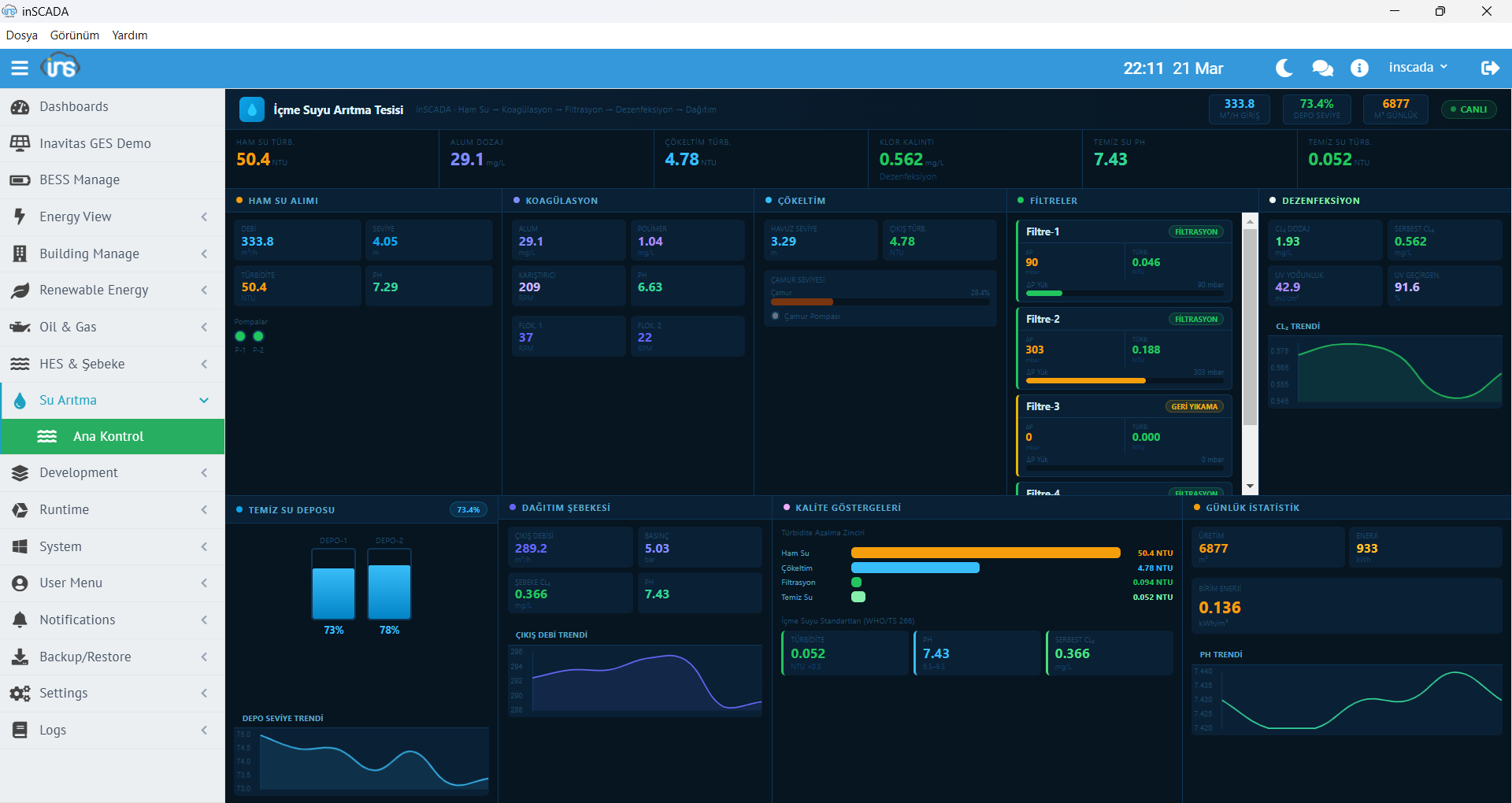
Drinking Water Treatment
Water treatment process monitoring and control
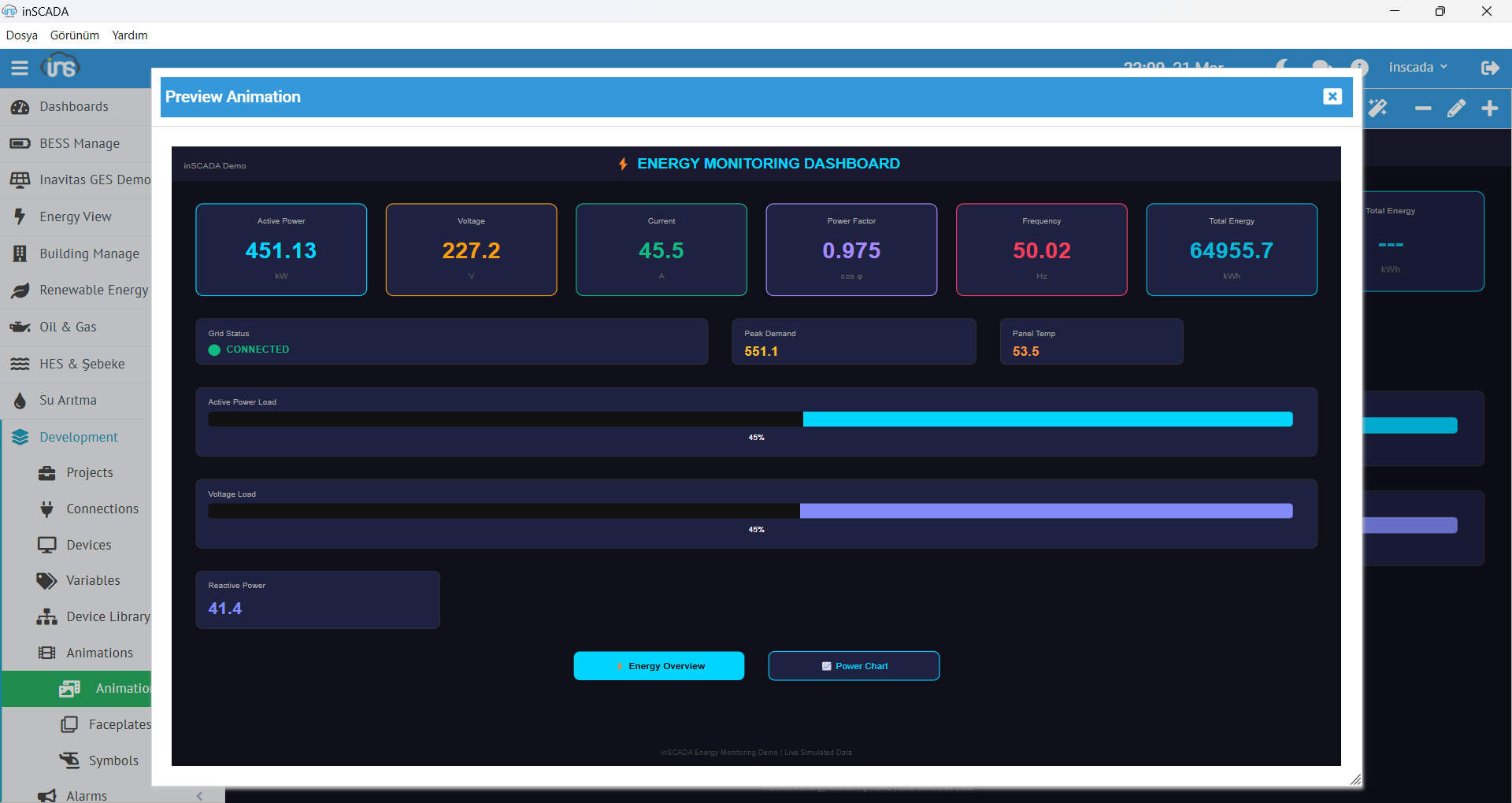
Energy Monitoring — SVG Screen
SVG-based energy monitoring animation
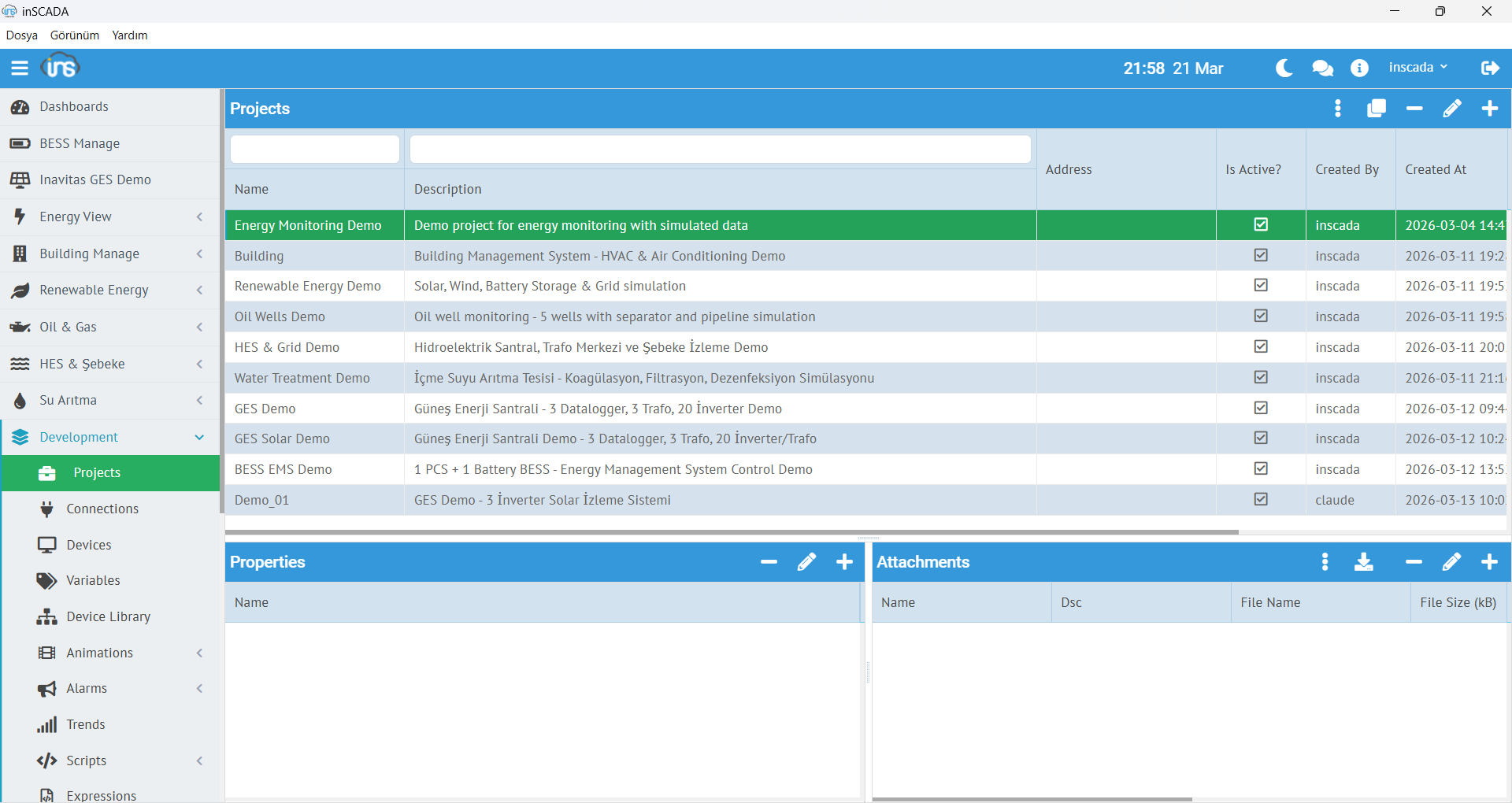
Project Management
Multi-project creation and management screen
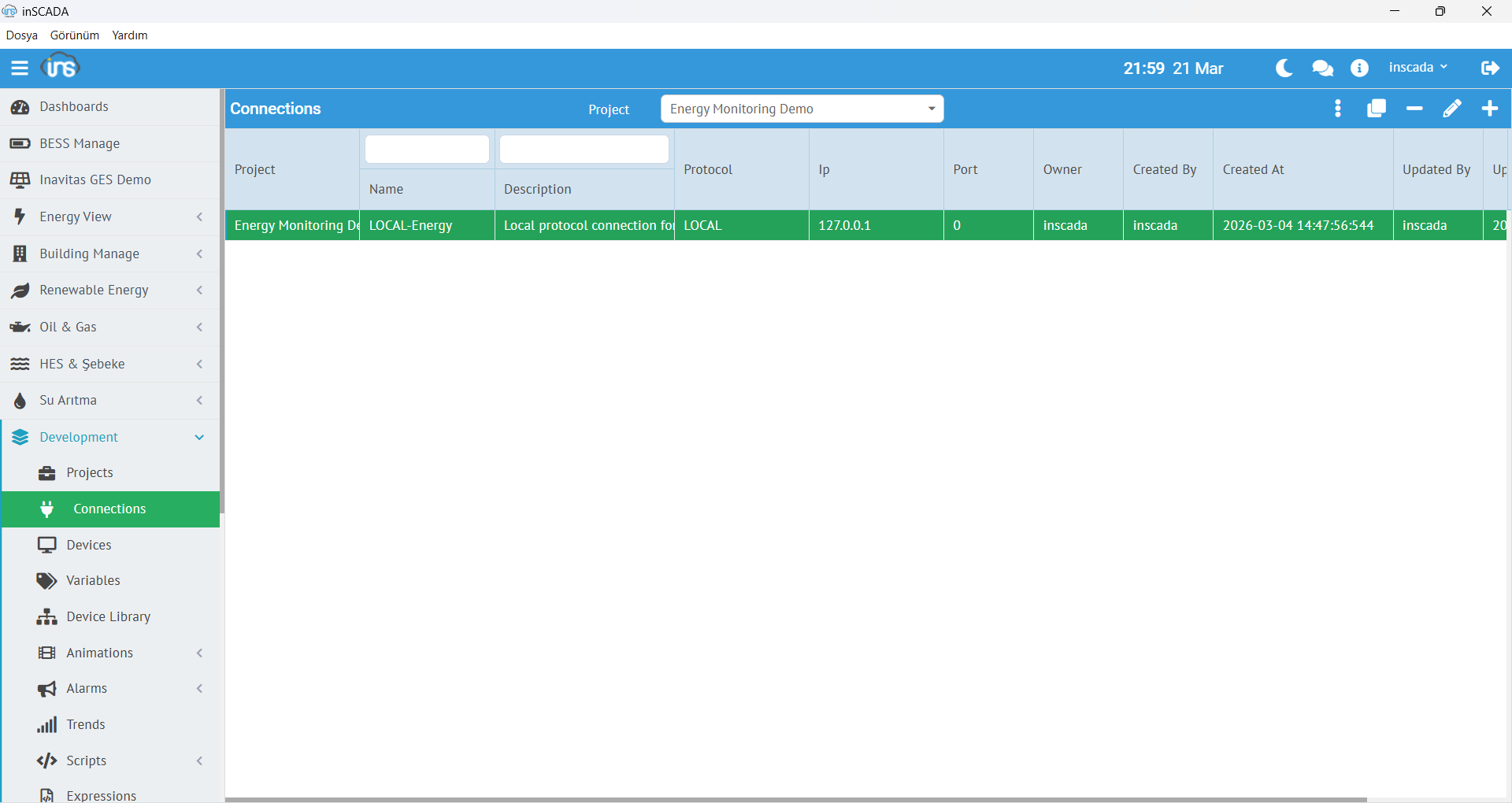
Connection Management
Protocol connections list and status monitoring
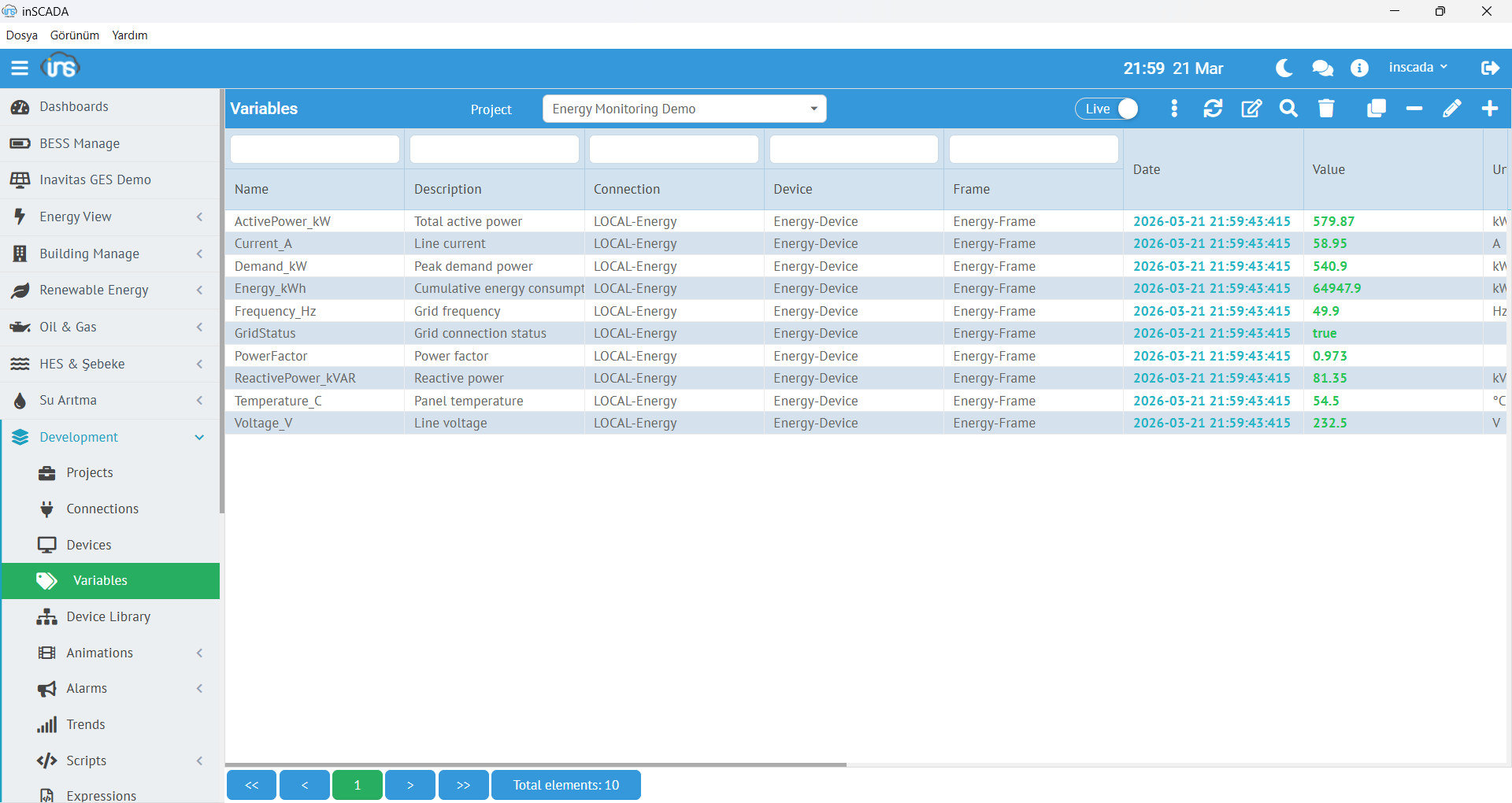
Variable List
Variable list, filtering and bulk operations
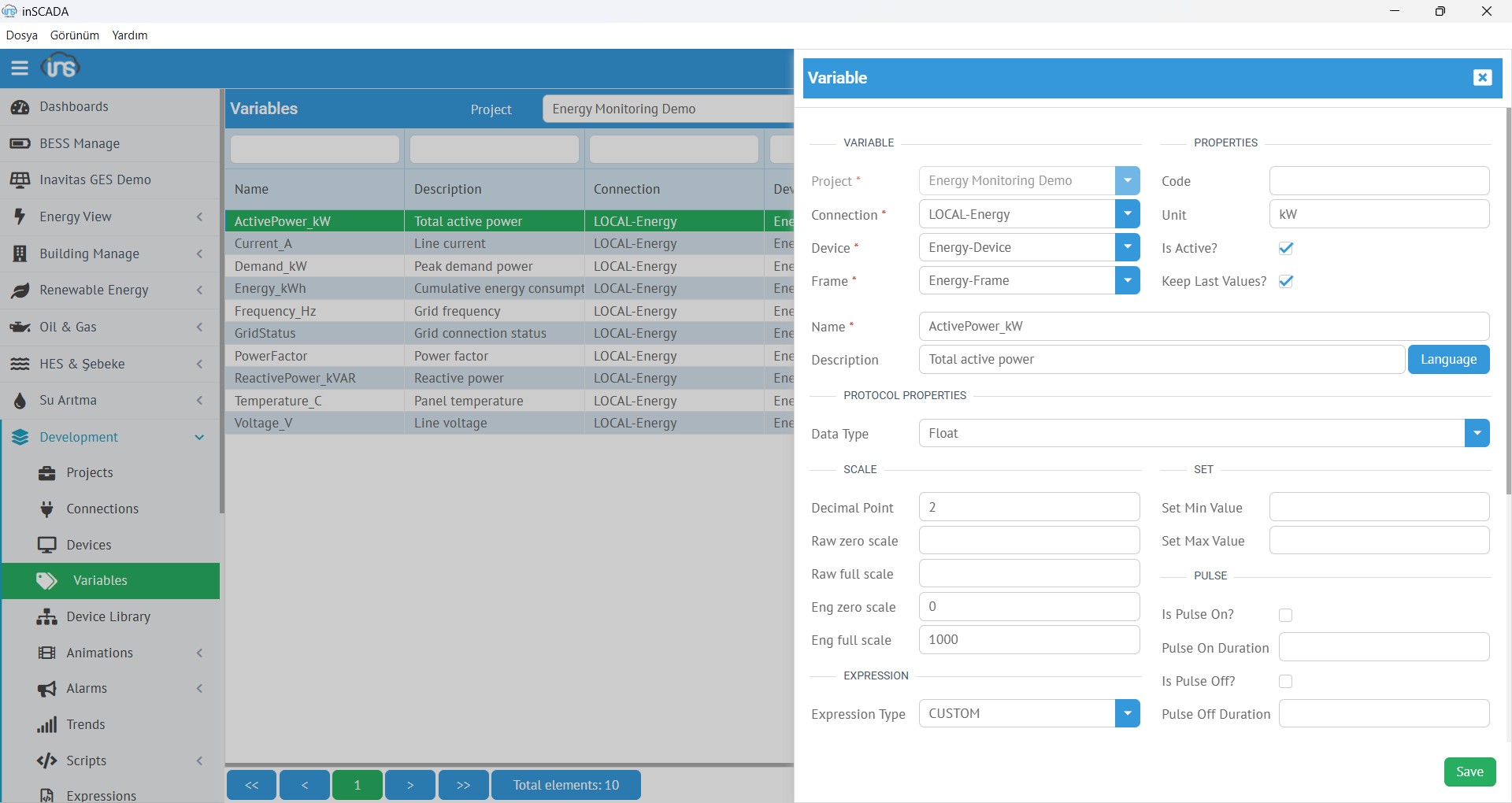
Variable Editor
Variable definition, scaling and logging settings
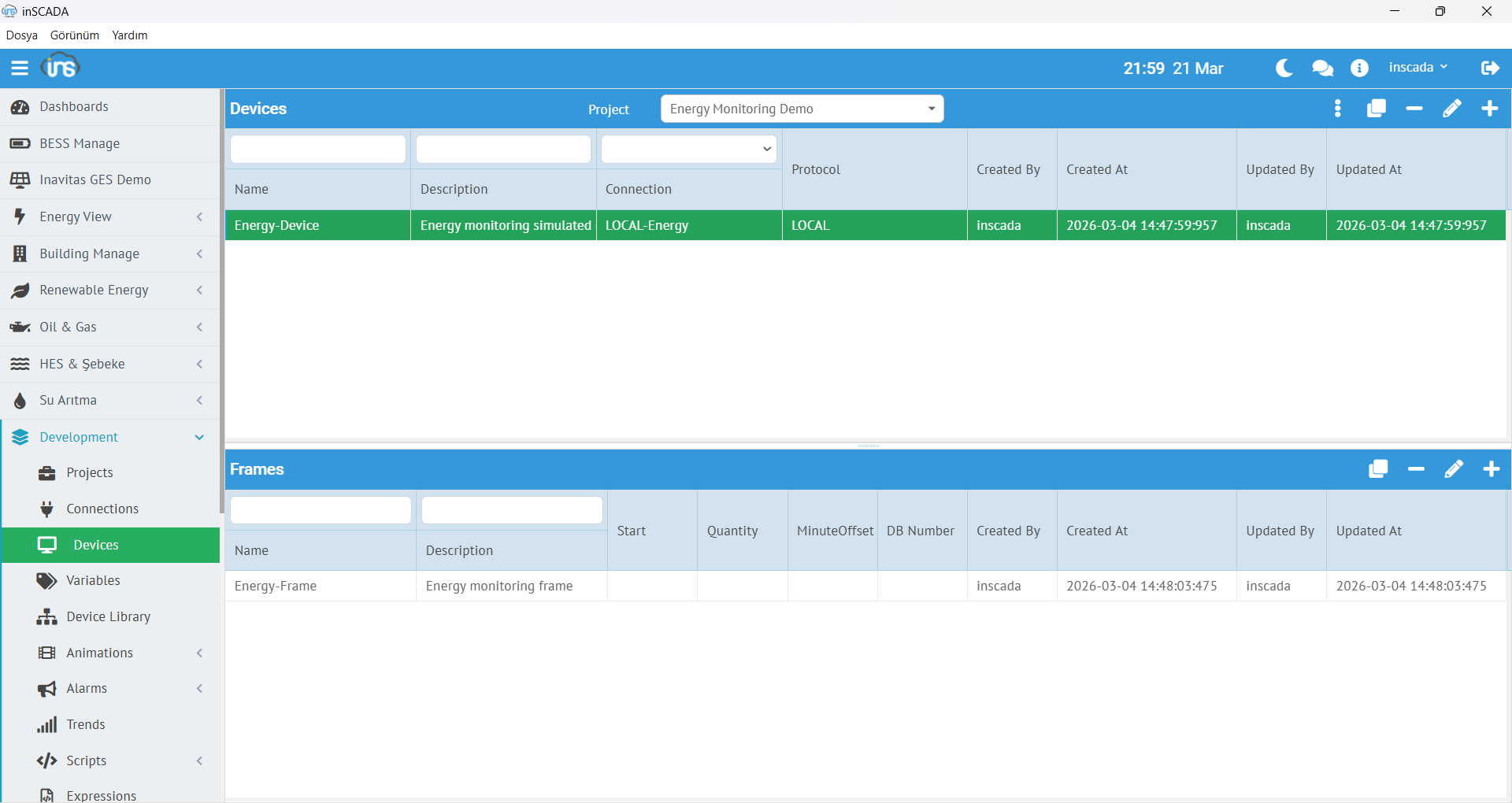
Device Frame Structure
Protocol device and frame configuration
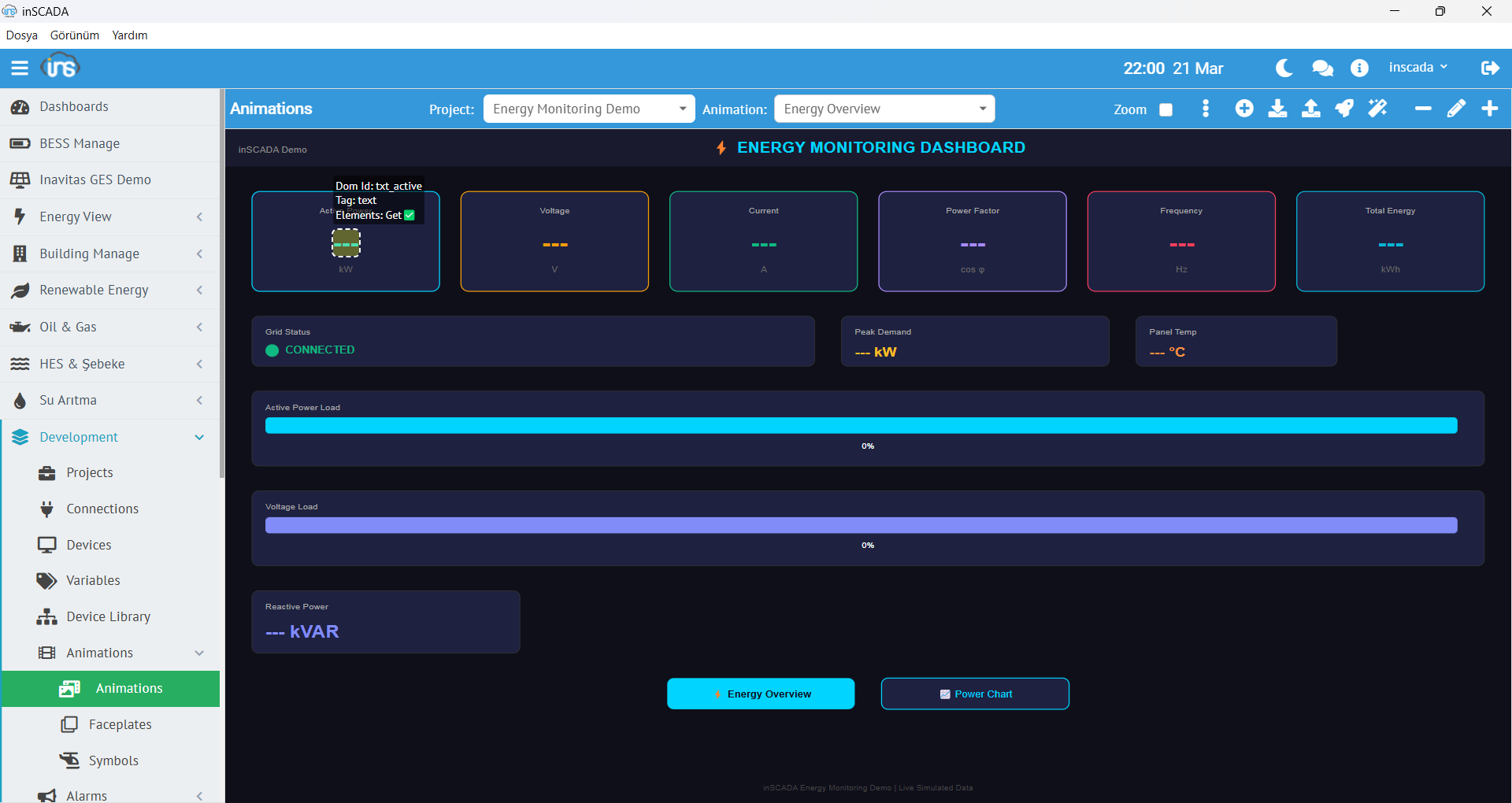
SVG Animation Editor
Visual screen design and animation binding
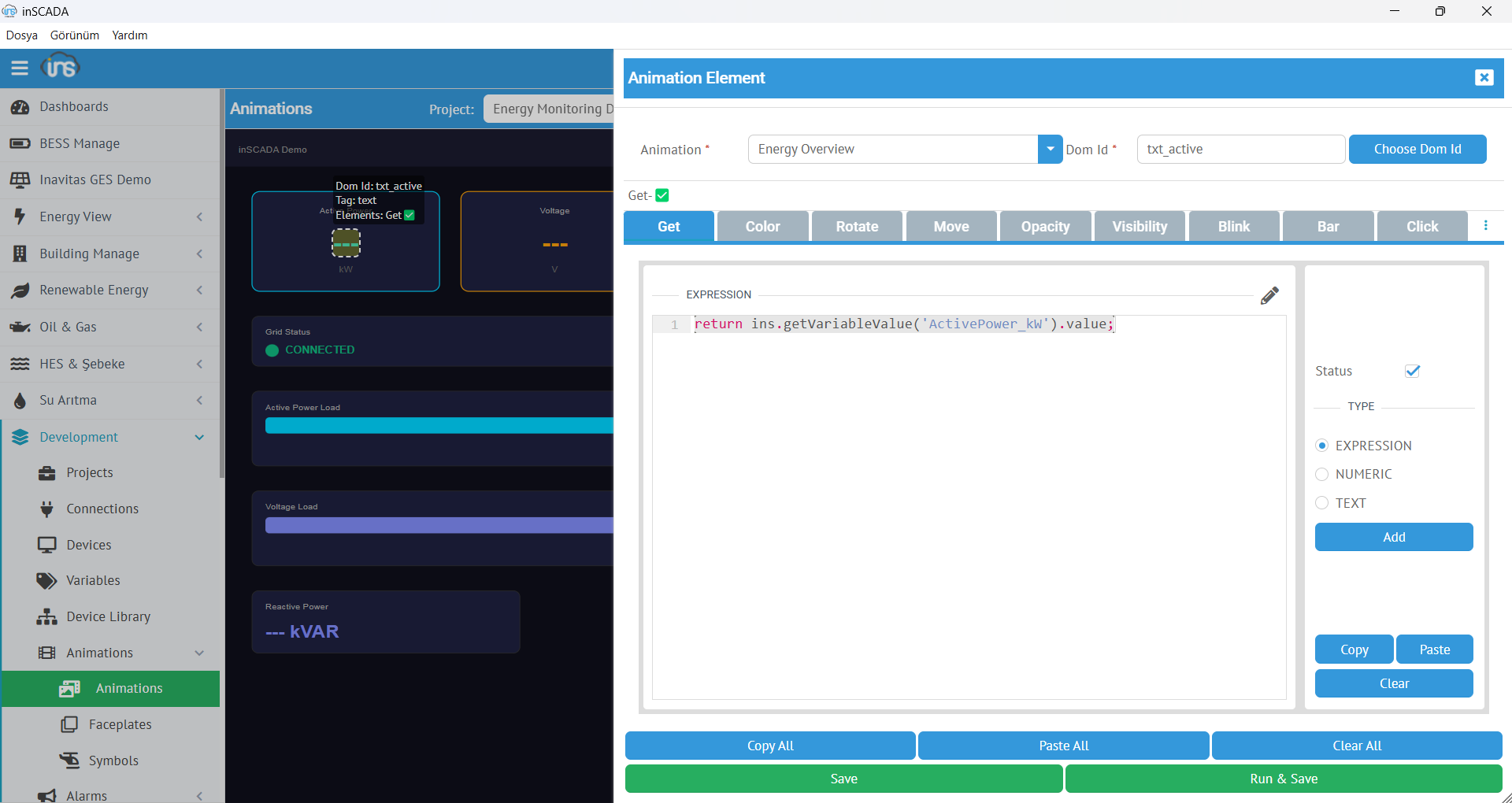
SVG Element Editing
Animation element properties and data binding
Technical Details
Everything you need to build world-class SCADA applications
Runtime Development
Develop without compilation or deployment — all at runtime. Add variables, design screens, write scripts while the project is running.
Multi-Project
Work on multiple projects simultaneously without interruption. Each project runs independently.
Instant Reporting
Create period-based reports quickly with a user-friendly interface. Export to Excel, PDF.
RESTful API
Full REST API for external integrations. Read/write data, manage projects, trigger scripts programmatically.
Team Collaboration
Multiple developers can work on the same project simultaneously with role-based access.
Device Library
Rich, customizable device library for all your industrial equipment. Import and share templates.
Smart Data Collection
Intelligent data logging eliminates unnecessary traffic and storage costs. Threshold and deadband filtering.
Historian
Time-series database with process analysis, Grafana, Power BI and Excel integration.
OEM
Manufacturers can develop and repackage their own SCADA software under their own brand.
Deploy Anywhere
Same application. Same licence. Different scenarios.
inSCADA Platform is a single application. Its built-in web server means no additional installation is required. Wherever you deploy it, it takes on that role \u2014 from an industrial panel PC to a private cloud server, from a single host to an air-gapped plant network.
On-Premise
Local Installation
Install on Windows, run as a background service. Access via browser or Viewer app. Traditional SCADA usage.
Example: Install in the factory, monitor the production line
Panel PC / HMI
On Machine
Install on an industrial panel PC and operate from a touchscreen. Package under your own brand as OEM. Machine-side HMI.
Example: Install on an induction furnace, operated by the operator
Private Cloud / VPS
In Your Own Cloud
Your own VPS, your own cloud provider (Hetzner, AWS, Azure, on-prem k8s). inSCADA is a single application — one package, minutes to install.
Example: Install on your VPS, monitor sites remotely
Control from Your Pocket
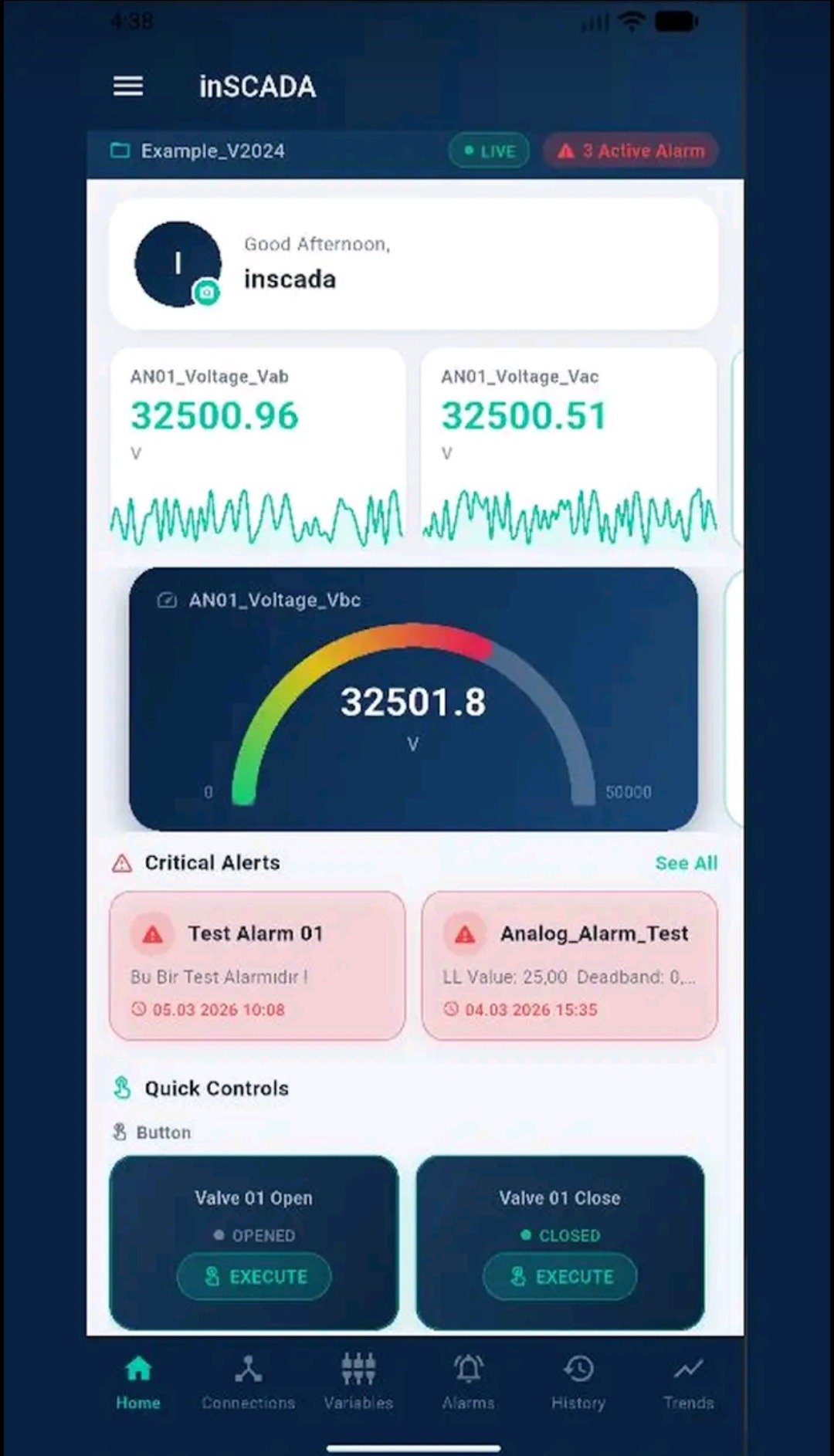
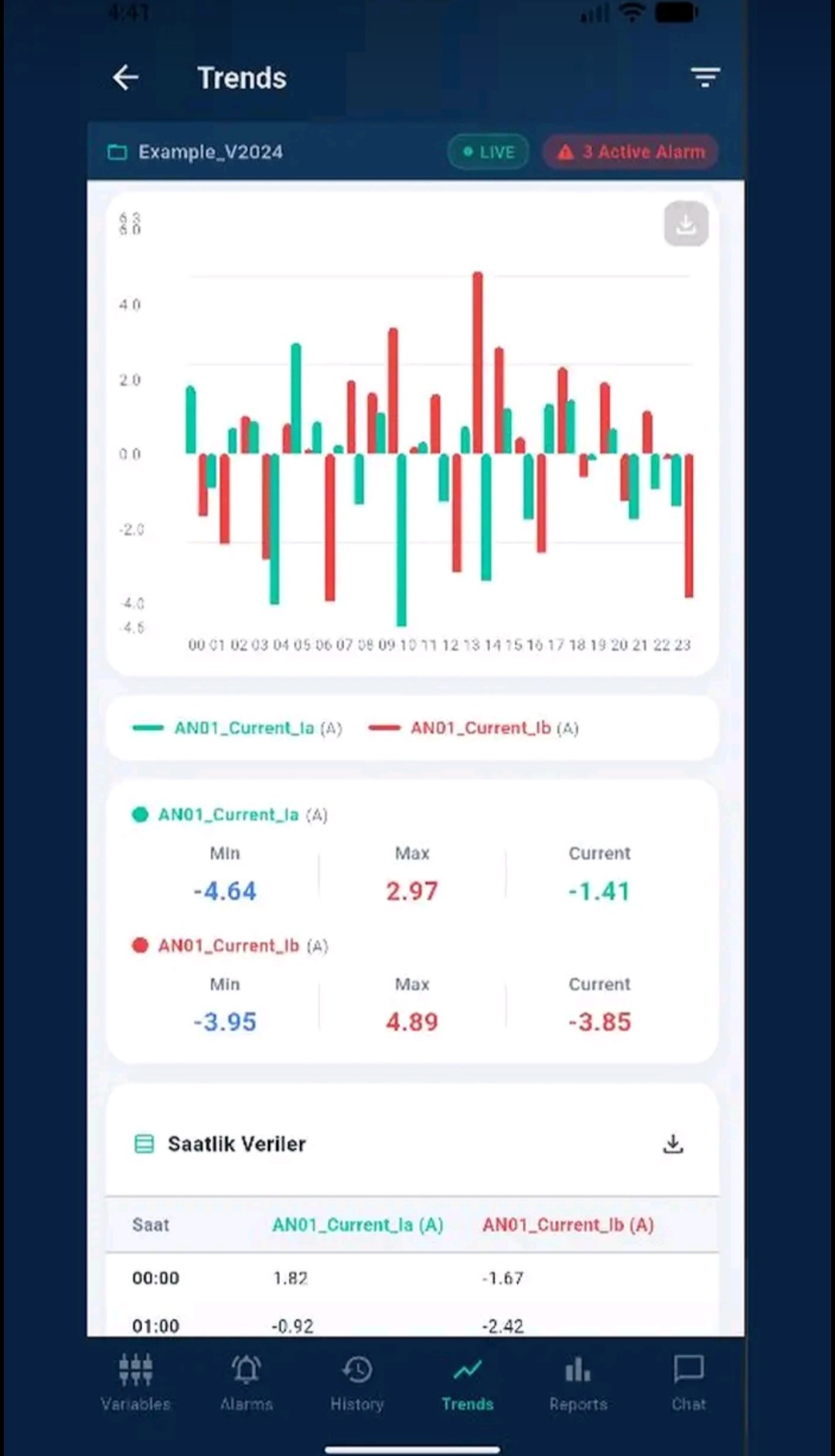
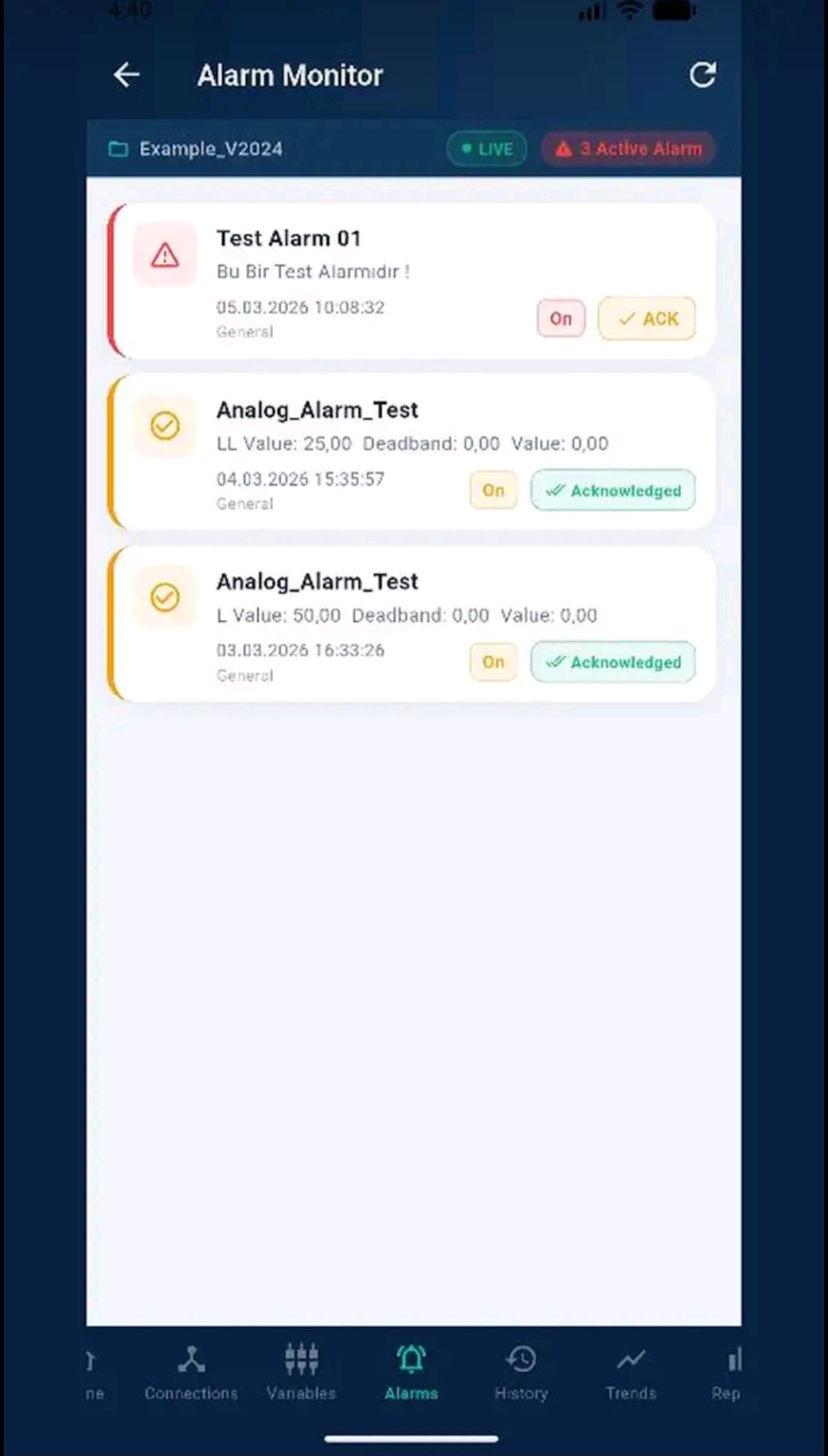
Monitor and manage your sites from anywhere with the inSCADA mobile app. Live data, alarms, trends and reports \u2014 all in the palm of your hand.
- Live dashboard, gauge and sparkline charts
- Alarm monitoring, acknowledgement and notifications
- Trend analysis and hourly data tables
- Remote control with quick commands