
Secure Remote Access
to Your Facilities
Access your industrial facilities securely from anywhere. Encrypted connection with WireGuard VPN, custom access address and one-click setup.
Problems with Traditional Remote Access
Instead of TeamViewer licences, complex VPN setups and security risks \u2014 a solution designed for industrial use.
| Criterion | inSCADA Secure Access | Other Solutions |
|---|---|---|
| Setup time | Minutes | Hours / Days |
| Custom access address | yourcompany.inscada.online | IP address access |
| Connection performance | WireGuard (low latency) | OpenVPN/IPSec (high latency) |
| Automatic reconnection | Yes | Usually no |
| Management panel | Web-based admin panel | Command line / manual |
| Monthly cost | Starting from €10 | Variable / hidden costs |
How Does It Work?
Get started with remote access in 4 steps
Choose a Plan
Select Basic or Pro. After payment, your VPN infrastructure is automatically provisioned.
Download the App
Download and install the inSCADA Secure Access application from the link sent to your email.
Activate with Token
Paste the activation token sent to you. Your VPN configuration is loaded automatically.
Connect
Press the Connect button. Access your facility securely at yourcompany.inscada.online.
App Screens
Simple and easy-to-use desktop application
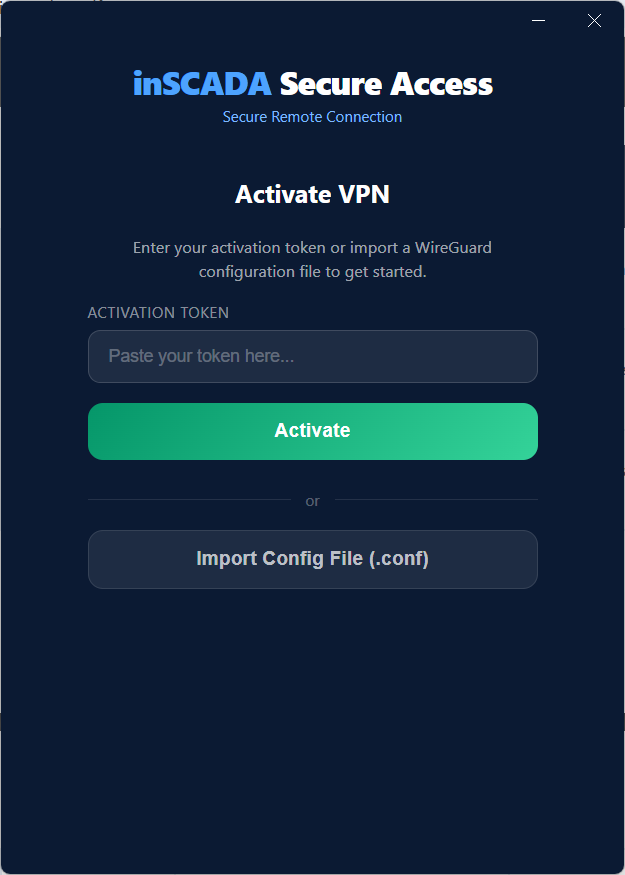
Activation
Quick setup with token or config file
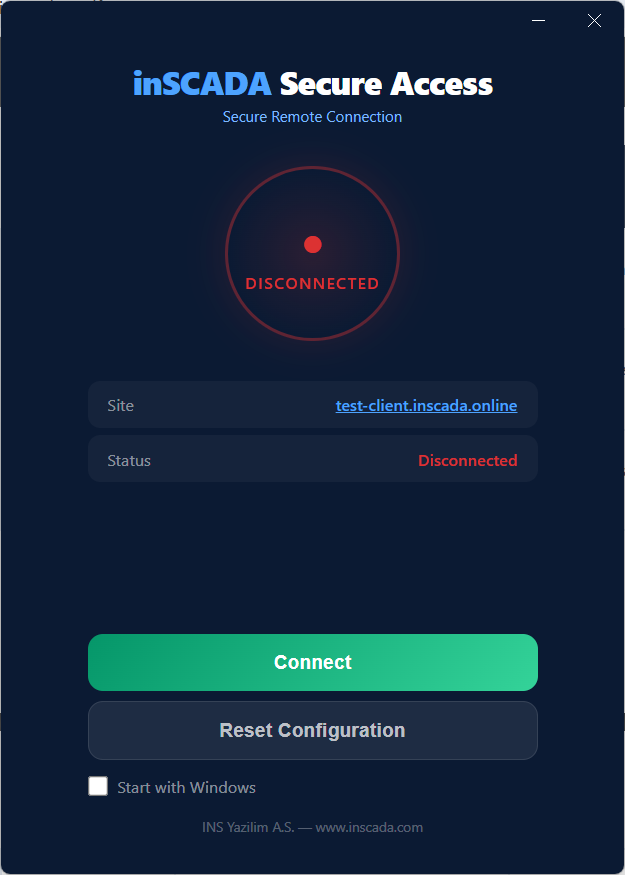
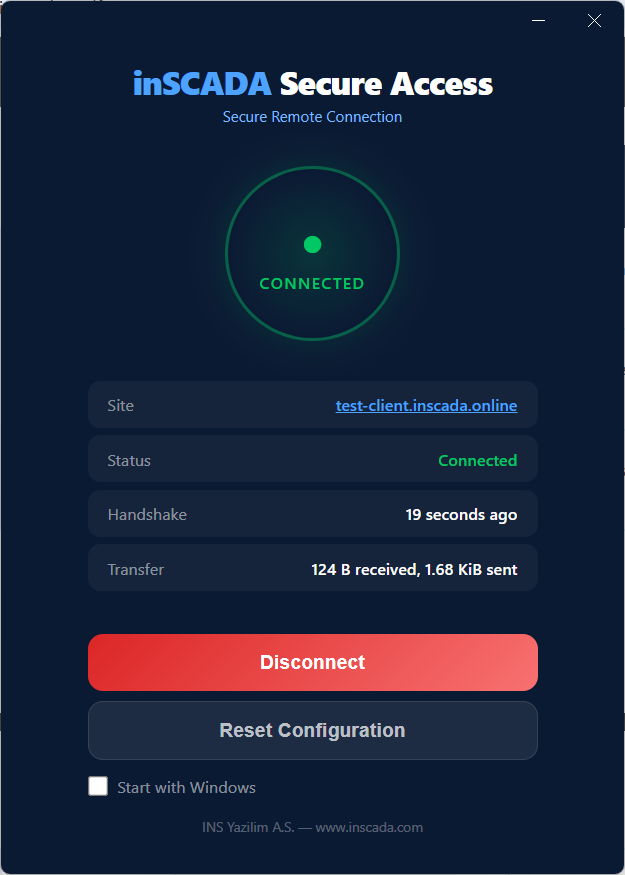
Dashboard
Connection status and site information
Connected
Real-time transfer and handshake data
Why Secure Access?
Features designed for industrial remote access
WireGuard VPN
Encrypted, fast and reliable connections using the industry-standard WireGuard protocol. Lower latency compared to traditional VPN solutions.
One-Click Setup
Setup and connection in seconds with the Windows desktop application. No more complex VPN configurations.
Custom Access Address
A unique subdomain for every customer: yourcompany.inscada.online. Access your facility with a professional address.
Connection Monitoring
Monitor VPN connection status, uptime and transfer data in real time. Manage all your sites from the admin panel.
Automatic Reconnection
When the connection drops, the application automatically reconnects. Guaranteed uninterrupted access.
Start with Windows
The application runs automatically at Windows startup. Your VPN connection is ready when your computer starts.
Use Cases
Secure access in every industry, every scenario
SCADA Maintenance & Updates
Update your SCADA software remotely without travelling to the site. Change parameters, adjust alarm settings — all from your desk.
Emergency Fault Response
Alarm alert in the middle of the night? Connect to your facility from home, identify the problem instantly and reduce response time to minutes.
Remote Site Monitoring
Monitor geographically dispersed facilities from a single point. Separate access address per site, centralised management.
Plans
Choose the plan that fits your needs and get started in minutes
Basic
The essential solution for remote access
Equivalent to €25/month
- Custom access address (sitename.inscada.online)
- Encrypted WireGuard VPN connection
- Windows desktop application
- Automatic reconnection
- Email support
Pro
Admin panel and proactive support
Equivalent to ~€42/month
- Everything in Basic included
- Admin panel (site & connection monitoring)
- Proactive notifications (email)
- Priority support
Enterprise
For large-scale and custom requirements
- Everything in Pro included
- Dedicated server
- Custom domain (sitename.yourcompany.online)
- Private network access
- 24/7 priority support
Cancel any time.
Start Accessing Your Facilities Securely
Setup in minutes, instant connection. Secure access to your industrial facilities from anywhere.